> ## Documentation Index
> Fetch the complete documentation index at: https://icons.mzrdev.com/docs/llms.txt
> Use this file to discover all available pages before exploring further.
# Contribution Snakes
> Turn your GitHub contribution graph into a fun snake animation.
## Overview
Contribution Snakes generates an animated SVG where a snake "eats" your GitHub contributions.
## Visual Examples
### Palette Showcase
Select a palette to match your GitHub profile theme.
```markdown theme={null}
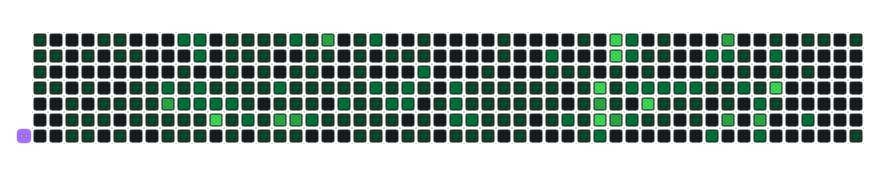
```
 ```markdown theme={null}
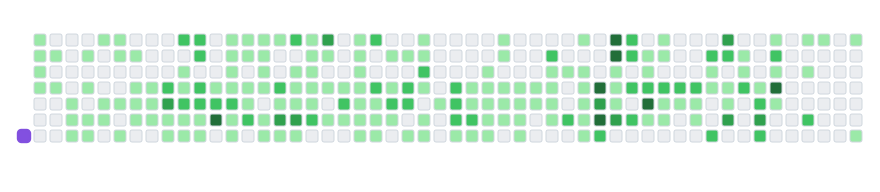
```
```markdown theme={null}

```
 ```markdown theme={null}
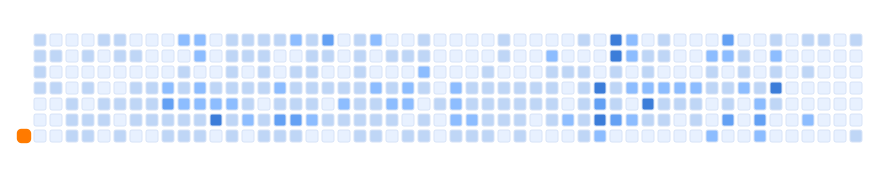
```
```markdown theme={null}

```
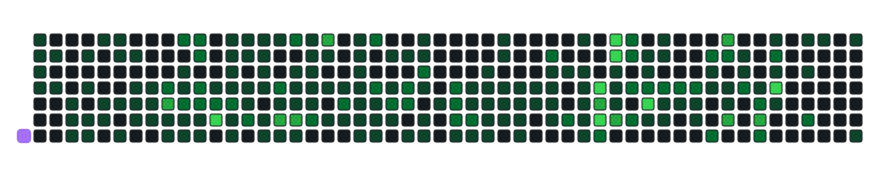
 ### Advanced Customization
You can override colors and toggle UI elements for a unique look.
```markdown theme={null}
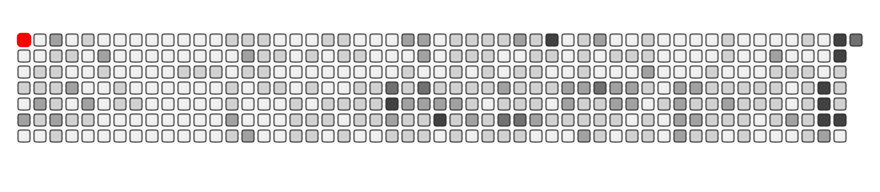
```
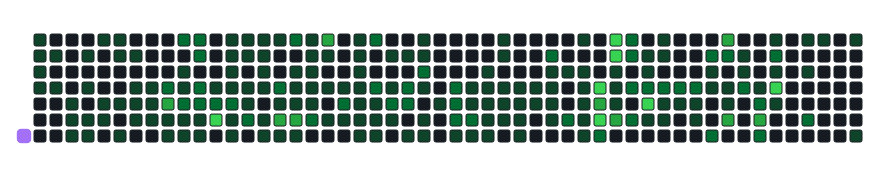
### Advanced Customization
You can override colors and toggle UI elements for a unique look.
```markdown theme={null}

```
 ```markdown theme={null}
```
```markdown theme={null}

```
 ```markdown theme={null}
```
```markdown theme={null}

```
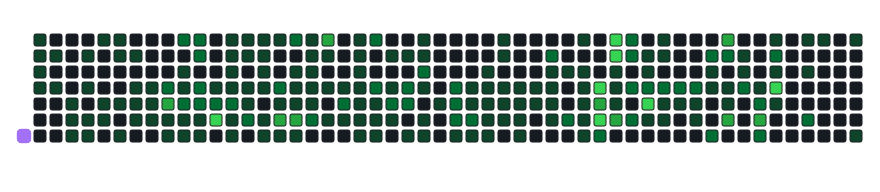
 ### Animation Speed
Select a speed level to see how fast the snake moves.
```markdown theme={null}
```
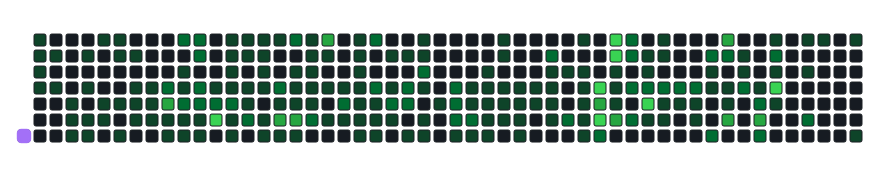
### Animation Speed
Select a speed level to see how fast the snake moves.
```markdown theme={null}

```
 ```markdown theme={null}
```
```markdown theme={null}

```
 ```markdown theme={null}
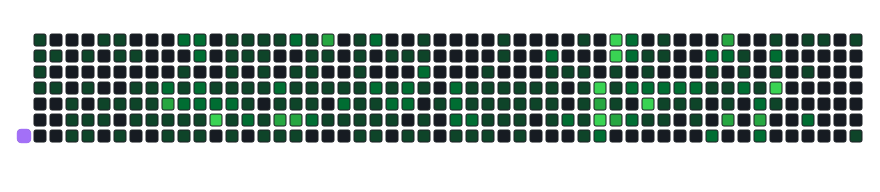
```
```markdown theme={null}

```
 ## Customization Options
| Parameter | Description | Default |
| :------------ | :---------------------------------------------- | :------------ |
| `palette` | `github-dark`, `github-light`, `ocean` | `github-dark` |
| `color_snake` | Custom color for the snake (hex) | Derived |
| `color_dots` | Comma-separated list of 5 colors for dots (hex) | Derived |
| `show_bar` | Show the bottom status bar | `true` |
| `show_score` | Show the "eaten" score | `false` |
| `speed` | Animation speed (1-3) | `1` |
## Customization Options
| Parameter | Description | Default |
| :------------ | :---------------------------------------------- | :------------ |
| `palette` | `github-dark`, `github-light`, `ocean` | `github-dark` |
| `color_snake` | Custom color for the snake (hex) | Derived |
| `color_dots` | Comma-separated list of 5 colors for dots (hex) | Derived |
| `show_bar` | Show the bottom status bar | `true` |
| `show_score` | Show the "eaten" score | `false` |
| `speed` | Animation speed (1-3) | `1` |