> ## Documentation Index
> Fetch the complete documentation index at: https://icons.mzrdev.com/docs/llms.txt
> Use this file to discover all available pages before exploring further.
# GitHub Trophies
> Showcase your GitHub achievements with dynamic trophies.
## Overview
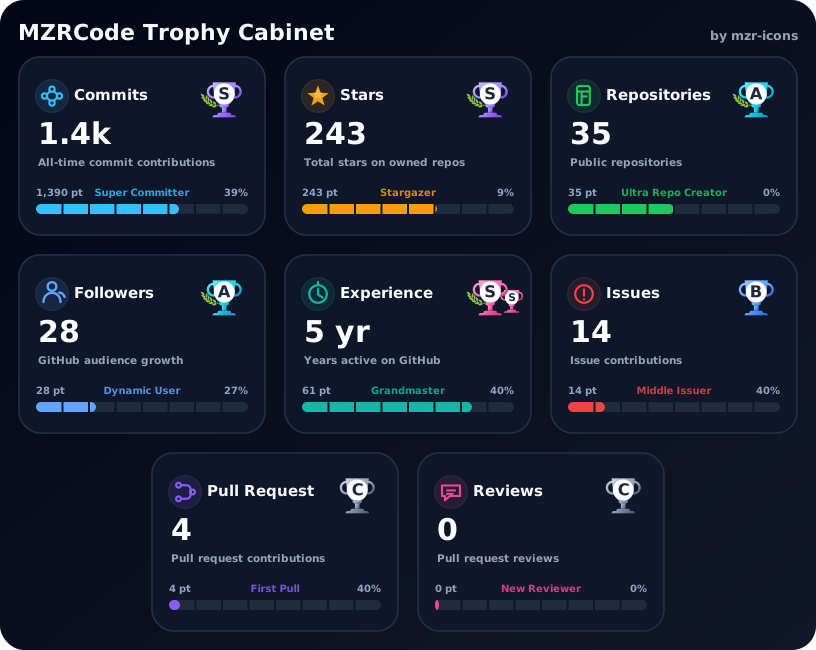
GitHub Trophies allows you to display your contributions, stars, repositories, and more as a beautiful trophy cabinet. It automatically calculates your ranks and renders them as SVGs.
## Visual Examples
### Theme Comparison
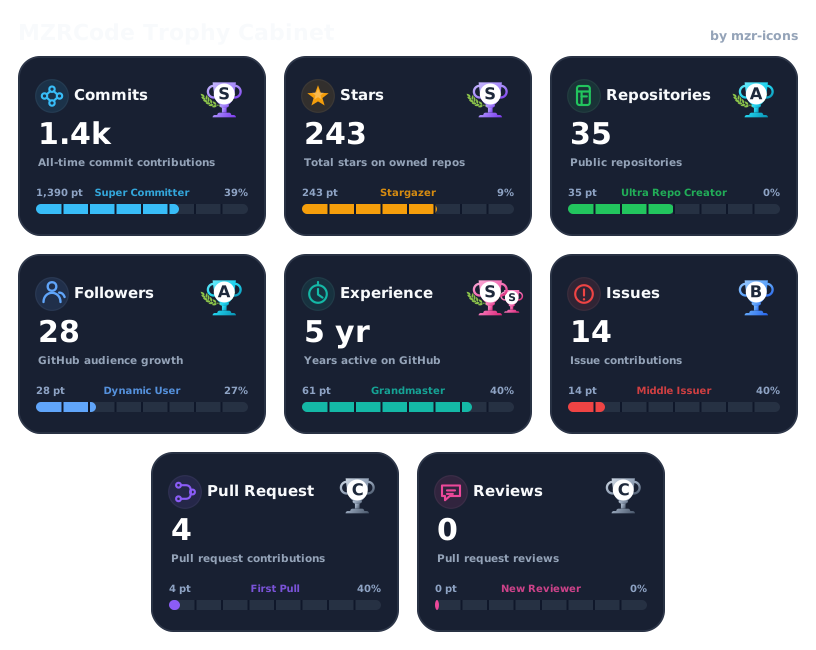
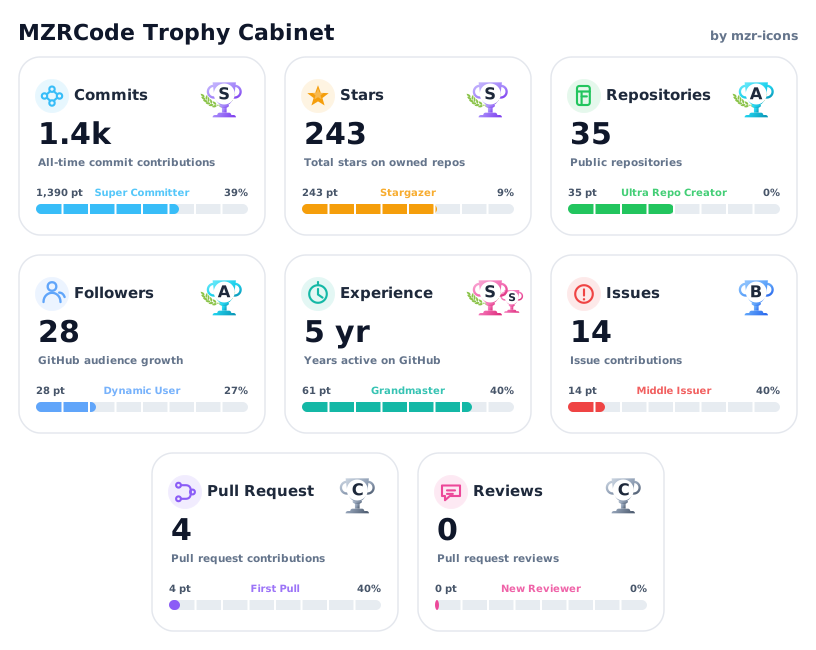
Select a theme to see how the trophy cabinet adapts to different profile styles.
```markdown theme={null}
```
 ```markdown theme={null}
```
```markdown theme={null}

```
 ### Layout Customization
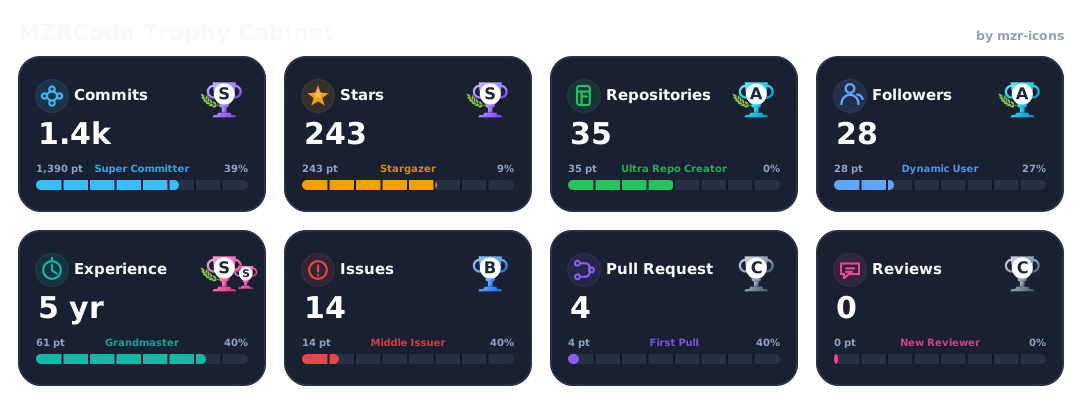
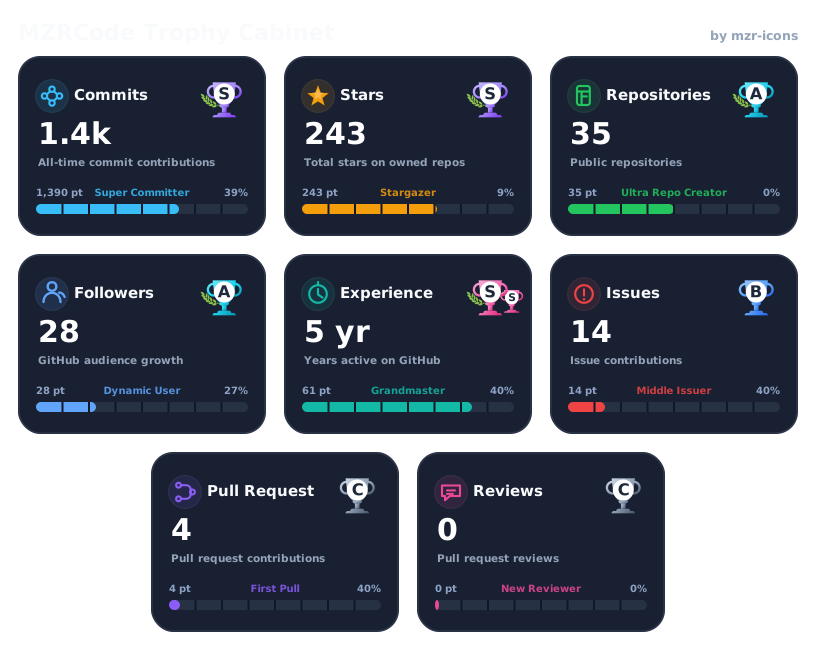
You can adjust the number of columns and hide descriptions for a more compact look.
```markdown theme={null}
```
### Layout Customization
You can adjust the number of columns and hide descriptions for a more compact look.
```markdown theme={null}

```
 ```markdown theme={null}
```
```markdown theme={null}

```
 ```markdown theme={null}
```
```markdown theme={null}

```
 ## Customization Options
### Layout Options
| Parameter | Description | Default |
| :----------- | :----------------------------------------------------- | :------ |
| `columns` | Number of columns in the cabinet | `3` |
| `gap` | Gap between trophies in pixels | `16` |
| `padding` | Padding around the cabinet | `24` |
| `center` | Center the last row items. Use `align=left` to disable | `true` |
| `cardWidth` | Width of each individual trophy card | `110` |
| `cardHeight` | Height of each individual trophy card | `150` |
### Visibility Options
| Parameter | Description | Default |
| :------------ | :------------------------------------------- | :---------------- |
| `hide` | Comma-separated list of metrics to hide | `none` |
| `items` | Comma-separated list of metrics to show | `all` |
| `description` | Toggle visibility of card descriptions | `true` |
| `title` | Set a custom title or set to `false` to hide | `GitHub Trophies` |
| `watermark` | Toggle the "by mzr-icons" watermark | `true` |
### Sponsor Fallback
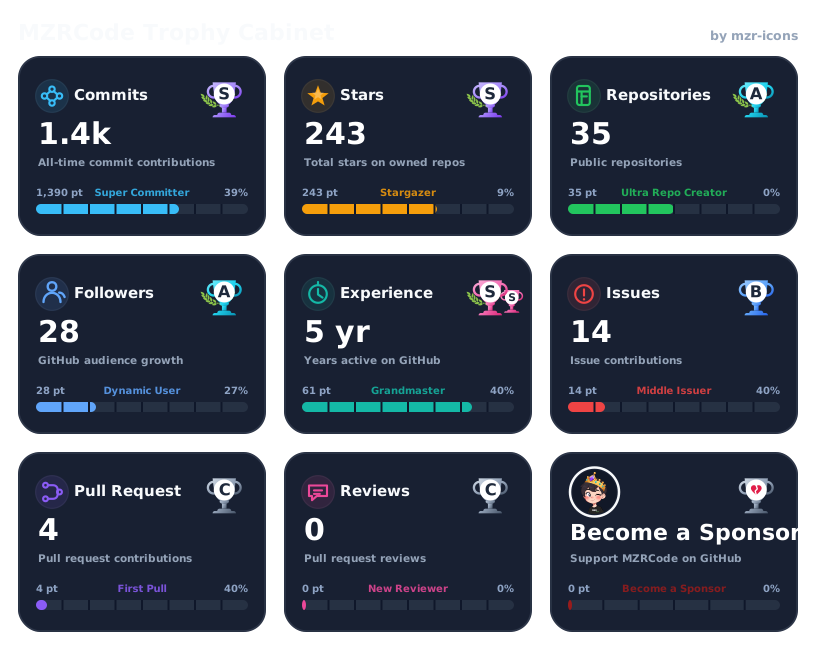
The `sponsor` parameter enables a special card that encourages users to sponsor you if they aren't already doing so.
```markdown theme={null}
```
## Customization Options
### Layout Options
| Parameter | Description | Default |
| :----------- | :----------------------------------------------------- | :------ |
| `columns` | Number of columns in the cabinet | `3` |
| `gap` | Gap between trophies in pixels | `16` |
| `padding` | Padding around the cabinet | `24` |
| `center` | Center the last row items. Use `align=left` to disable | `true` |
| `cardWidth` | Width of each individual trophy card | `110` |
| `cardHeight` | Height of each individual trophy card | `150` |
### Visibility Options
| Parameter | Description | Default |
| :------------ | :------------------------------------------- | :---------------- |
| `hide` | Comma-separated list of metrics to hide | `none` |
| `items` | Comma-separated list of metrics to show | `all` |
| `description` | Toggle visibility of card descriptions | `true` |
| `title` | Set a custom title or set to `false` to hide | `GitHub Trophies` |
| `watermark` | Toggle the "by mzr-icons" watermark | `true` |
### Sponsor Fallback
The `sponsor` parameter enables a special card that encourages users to sponsor you if they aren't already doing so.
```markdown theme={null}

```
 ## Themes and Styling
| Parameter | Description |
| :---------------- | :---------------------------------------------- |
| `theme` | `light` or `dark` |
| `noBackground` | Set to `true` to remove the cabinet background. |
| `backgroundStart` | Hex code for custom background gradient start. |
| `backgroundEnd` | Hex code for custom background gradient end. |
## Themes and Styling
| Parameter | Description |
| :---------------- | :---------------------------------------------- |
| `theme` | `light` or `dark` |
| `noBackground` | Set to `true` to remove the cabinet background. |
| `backgroundStart` | Hex code for custom background gradient start. |
| `backgroundEnd` | Hex code for custom background gradient end. |